Supermarket point of sale for Windows
Stop typing your product list. Scan it.
Scan a barcode you never entered and Ironloom POS looks it up, then fills in the name, brand and size for you to confirm. It runs on the Windows PCs you already have, keeps selling when the internet is down, and costs $30 for the first year, then $100 a year for a master PC and one till.
Download the free trialSee what it does
14 days free on a master PC and one till. No card needed.
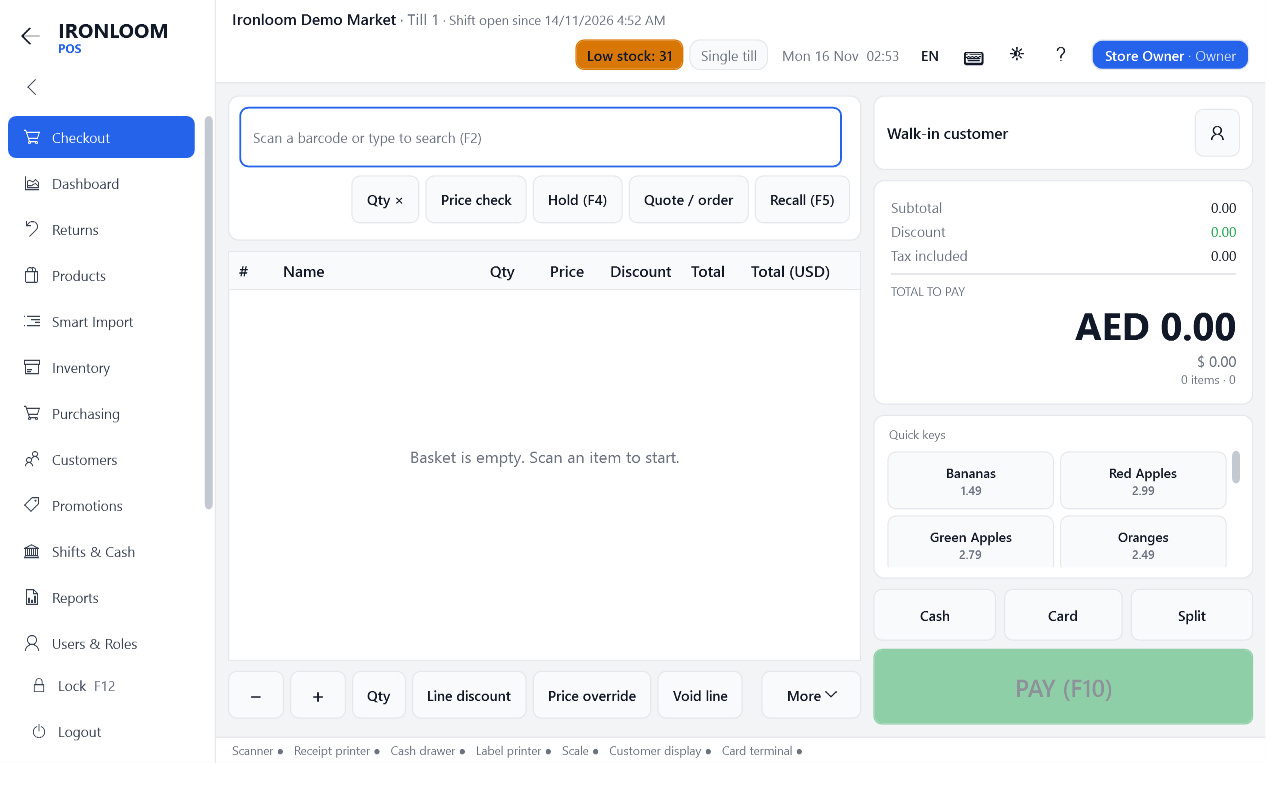
Why store owners switch
Three jobs most tills leave to you
Building the product list
A new store means thousands of products to type in. With Smart Scan you scan each one once. The till asks the Ironloom product database first, then open product databases, and shows you the result with a picture.
Leaving your old system
Export your products, customers and suppliers from the old program in whatever format it gives you. Ironloom POS reads the file, shows how each column will be imported, and backs up before it changes anything.
Paying for it every year
$30 for the first year, then $100 a year, covers the software and its updates on a master PC and one till. Each extra till is $100 a year.
Built for real shop conditions
Sells without the internet
Everything the cashier needs is stored on the till itself. If the connection drops, scanning, payments, receipts and the cash drawer keep working, and the till catches up when the line comes back.
Old and new PCs
Windows 7 SP1, 8.1, 10 and 11, 32-bit or 64-bit. The installer adds what Windows is missing.
Arabic, English and French
Switch the whole screen, right-to-left included. Receipts print Arabic correctly.
Your usual devices
Barcode scanners, ESC/POS receipt printers, cash drawers, scales, customer displays and label printers.
One till or many
Start with one PC. Add tills later and let them share one catalogue over the shop network.
Back office included
The whole store on one screen
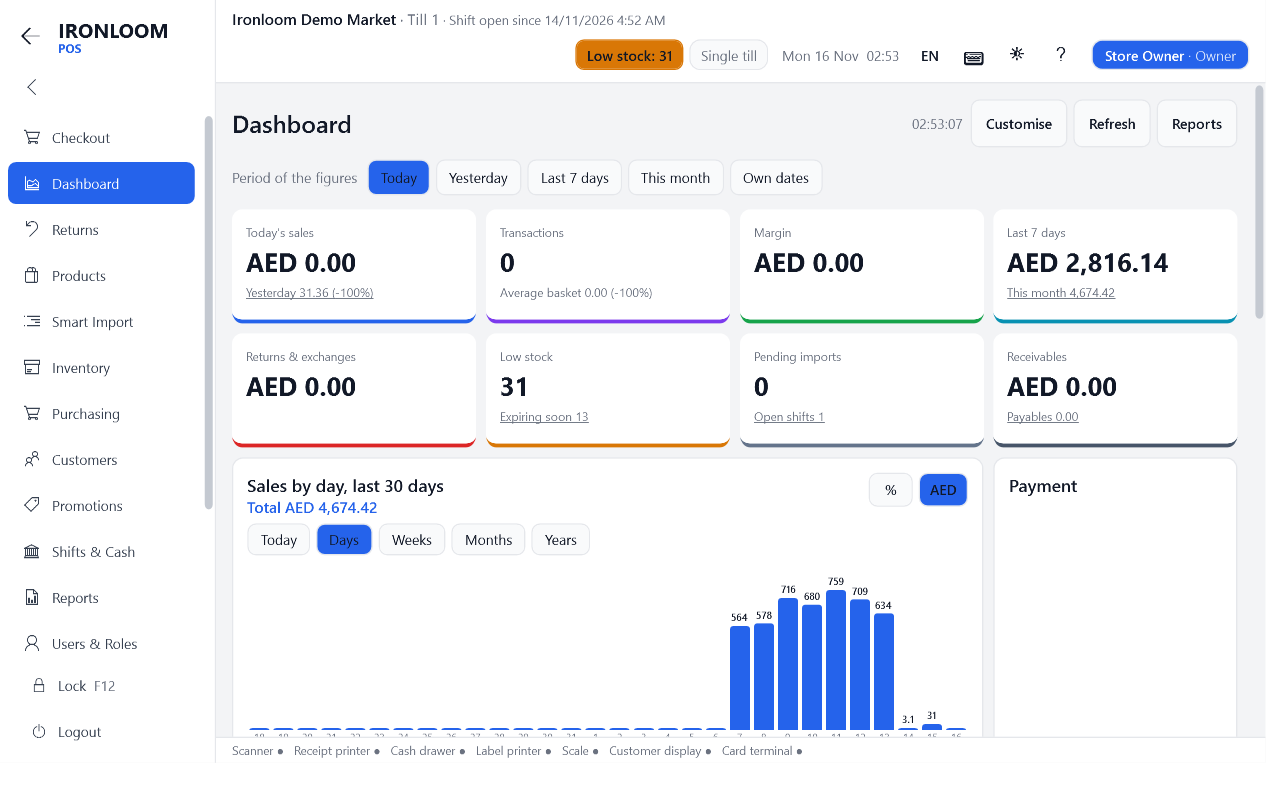
- Today at a glance: sales, margin, returns, low stock and what is about to expire.
- Stock that adds up: every movement is recorded, from goods received to stock takes.
- Customers and credit: accounts, statements, loyalty points, gift cards and vouchers.
- Promotions that apply themselves: buy two get one, mix and match, member prices and coupons.
- Shifts you can trust: blind cash counts, X and Z reports and a log of every drawer opening.
How to start
From download to first sale
- Download and install. One installer, about 15 MB. Setup asks for your store name, currency and tax.
- Bring your products. Import them from your old system, or scan them in as they come to the till.
- Plug in your devices. Ironloom POS finds your scanner and printer and prints a test receipt.
- Open a shift and sell. The trial runs 14 days. A licence key keeps everything you entered.
Try it in your store for 14 days
Free, on a master PC and one till. No card needed. Your data stays when you buy a licence.